
Learn by doing
Get more from
every episode.
Clear steps. Real screenshots. Find the answer you need, or follow your first episode from upload to ready-to-publish content.
Start here
Your first episode,
step by step.
Add your podcast, find your content, and review your first posts. We’ll show you what to do at each stage.
Follow the walkthrough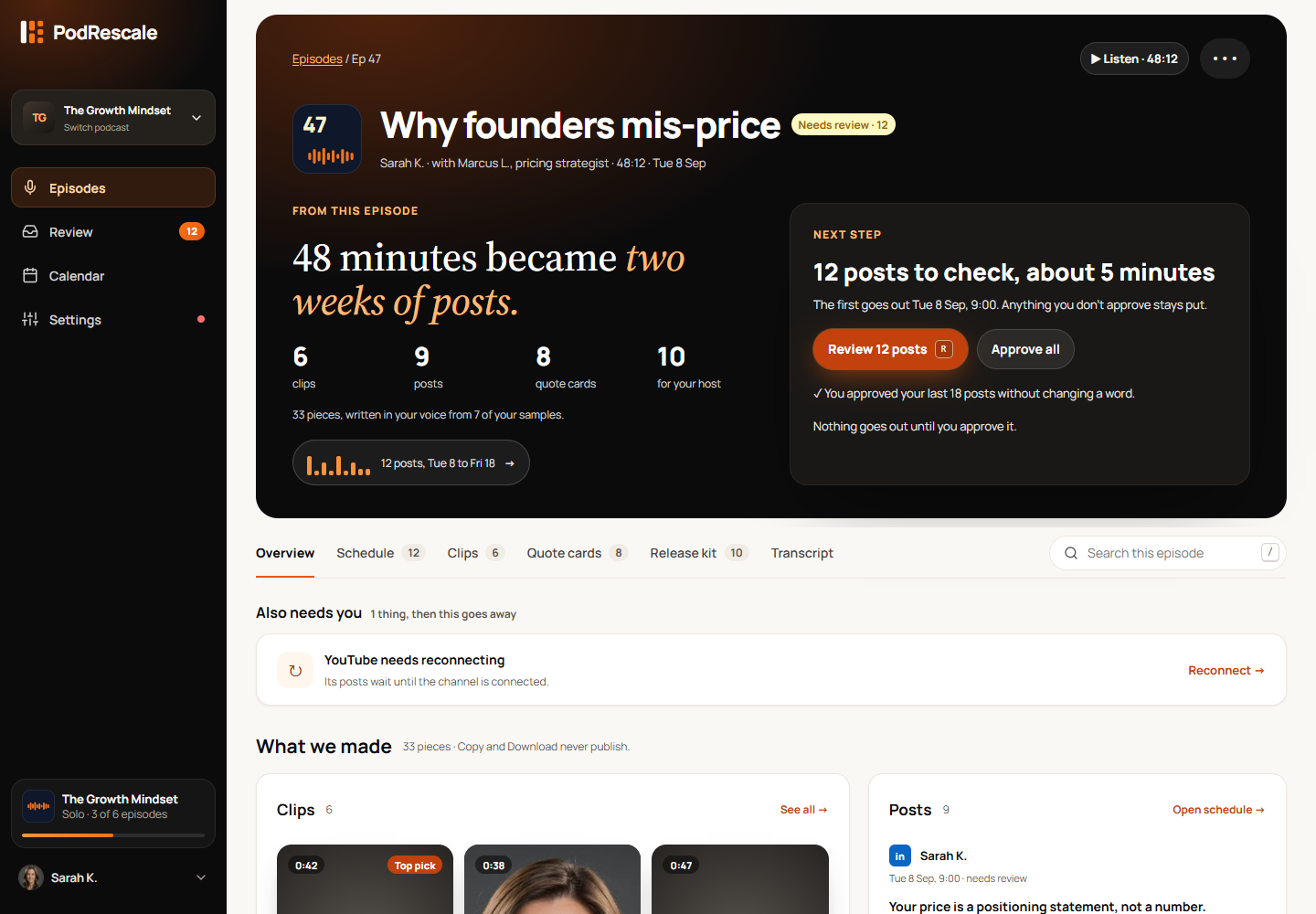
Create something worth sharing
From recording to finished content
Turn a podcast into LinkedIn postsFind the useful ideas, keep your voice, and turn a recording into posts worth reading.Repurpose a webinar into posts and clipsGive the presentation and Q&A a second life as a practical follow-up campaign.Make Instagram Reels from an audio podcastCreate a captioned audiogram, check the words and visuals, then share it on Instagram.Turn a podcast into a useful blog postBuild an article around one clear idea, check the source, and prepare it for your website.Build a podcast social media content calendarPlan two weeks of useful posts from one episode, with a calendar you can adapt.
What would you like to do?
Add your first episode
Connect a feed, upload audio or video, or paste a link.
Review and schedule posts
Check the content, make edits and choose when it goes out.
Work with podcast clips
Preview short videos, check captions and download clips.
Connect your accounts
Set up LinkedIn, X, Instagram, YouTube and TikTok.
Make it sound and look like you
Set your writing voice, brand colours and caption style.
Fix a problem
Find help with uploads, processing and failed posts.
Browse all guides
Get started
Your first episode, step by stepFind your way aroundFind your generated contentUpload audio or videoAdd an episode from a linkHow-to guides
Create LinkedIn postsRepurpose a webinarMake Reels from audioCreate a blog postBuild a content calendarCreate and edit
Connect your podcast feedPreview and download clipsClip captions and subtitlesCopy and download contentUse quote cardsUse show notes and the release kitSet your writing voiceSet your brand and visual styleName speakers and guestsReview and publish
Review and approve postsSet your weekly posting scheduleManage your publishing calendarUse AutopilotConnect your accounts
Connect accounts or post yourselfPublish to XPublish to InstagramPublish to YouTube ShortsPublish to TikTokAccount and billing
Plans, billing and episode allowanceWorkspaces and team accessSign-in and notificationsFix a problem
Upload or media link failedProcessing is slow or failedFeed problems or missing episodesReconnect a social accountA post did not publishStill need a hand?
Tell us what you’re trying to do and where you got stuck.