Get the name right before the clip goes out.
Correct names, spelling and punctuation in a clip’s subtitles, then render a replacement while keeping the original take and timing.
Release notes
New capabilities. Thoughtful improvements. The little things that make your workflow better.
Latest update
Correct names, spelling and punctuation in a clip’s subtitles, then render a replacement while keeping the original take and timing.
Newest first
Download SRT or WebVTT timed to the clip, including saved word corrections and cuts.
Download timed SRT or WebVTT subtitles for your original recording, ready to use in a video editor or on YouTube.
Play your selected video or audio, check its length and see what PodRescale will make from it before you start processing.
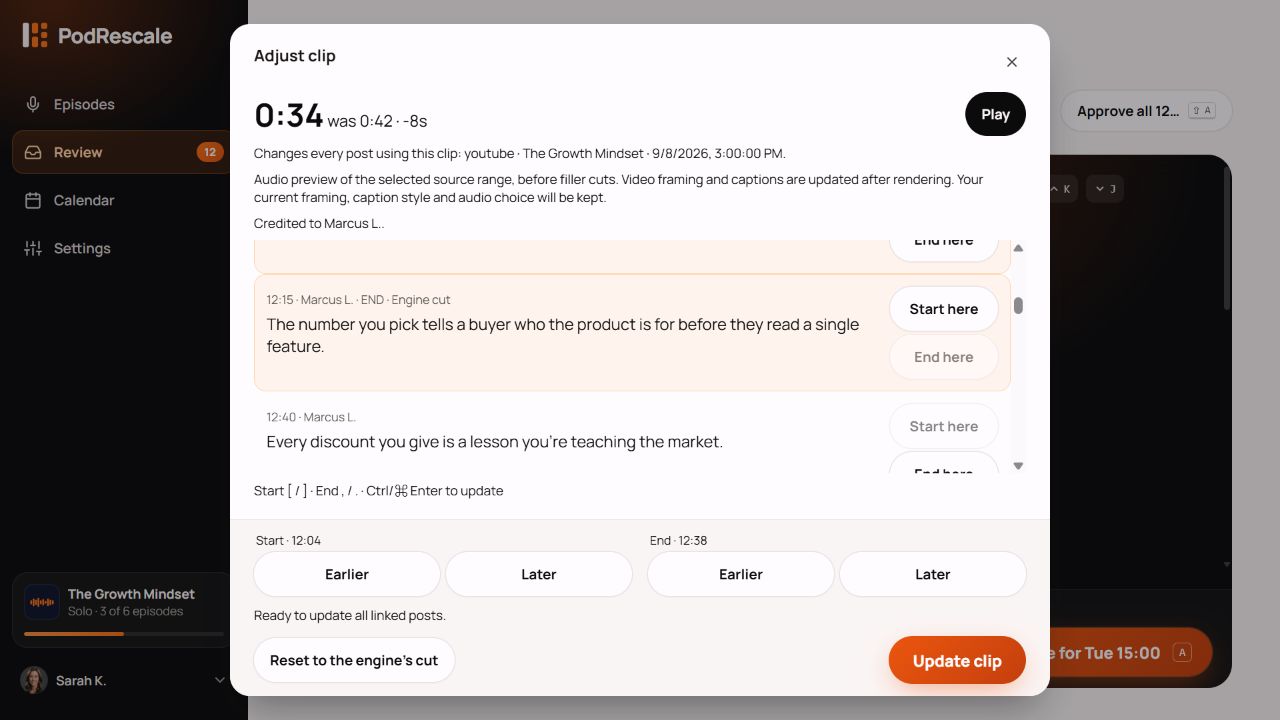
Keep the moment you love. Choose a stronger opening, give the ending room to land, and update your clip without rebuilding its look.
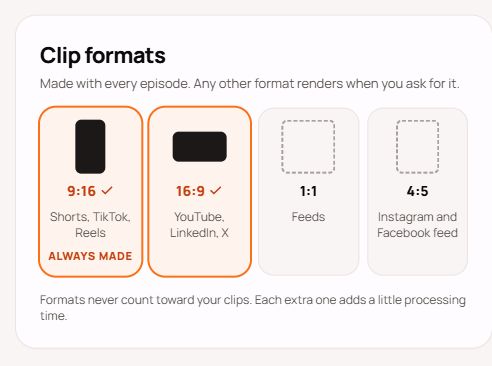
Go vertical, widescreen, square or portrait. Preview the shape, choose it for each platform, and download the version you need.
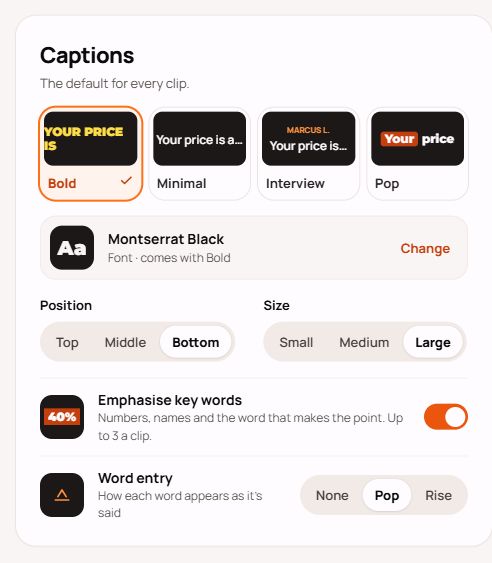
Choose your font, bring words in with Pop or Rise, and give the words that matter a little more emphasis.
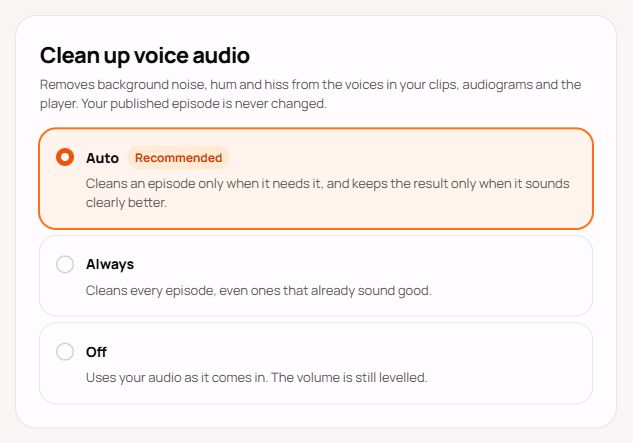
Reduce hum, hiss and background noise automatically, then compare the cleaned and original audio before choosing what your clips use.
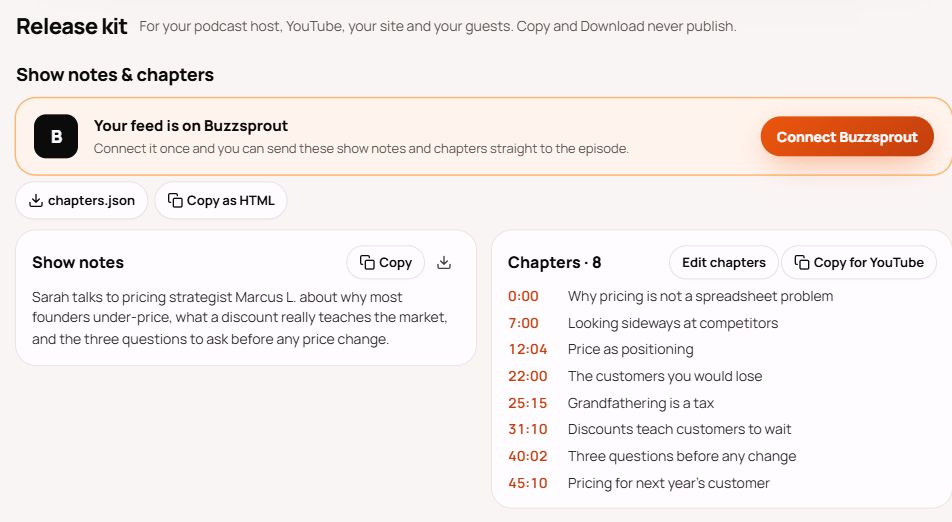
Send show notes and chapters to your podcast host, then give each guest a private kit of clips, quote cards and posts ready to share.
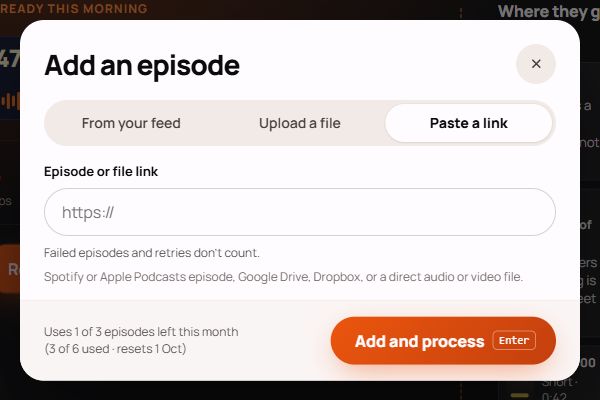
Bring in an episode from Spotify or Apple Podcasts, or a recording shared through Google Drive or Dropbox. Less downloading, less moving files around.
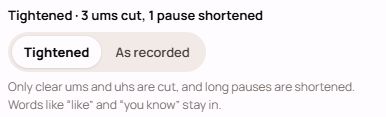
Clear ums and uhs can now be cut from the actual audio and video, with long pauses shortened to help your clips get to the point.
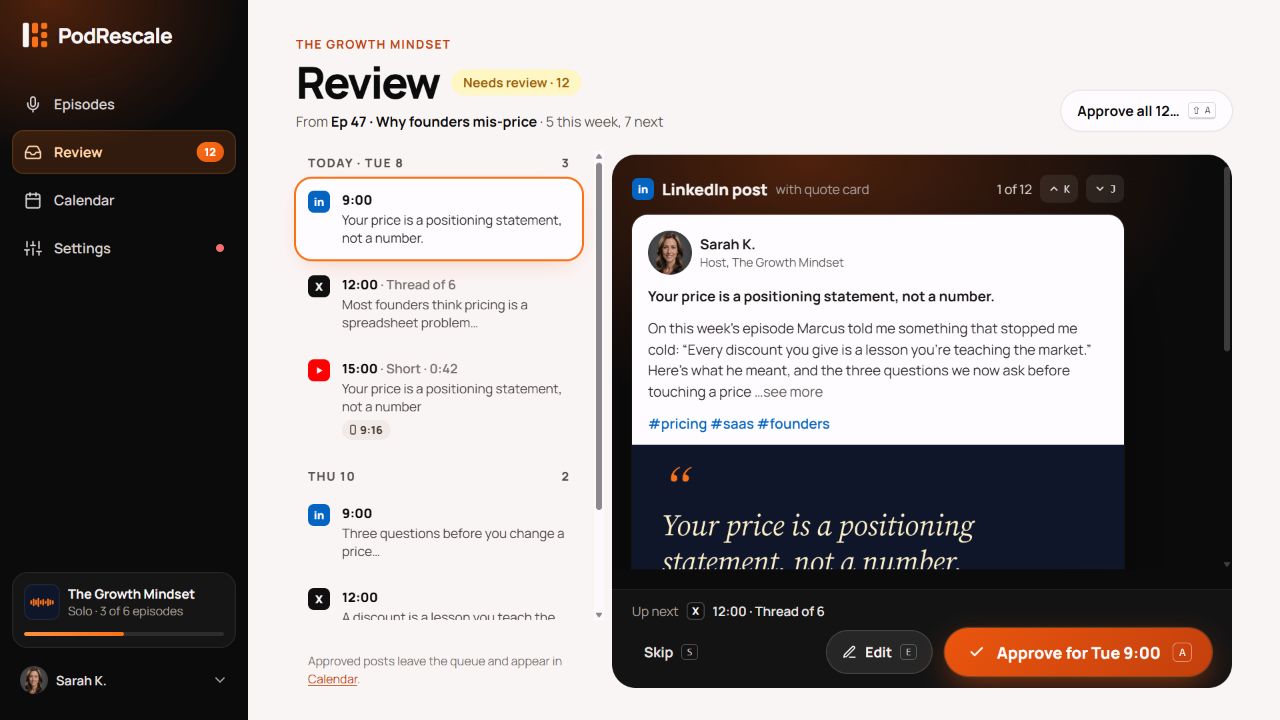
Preview the post, polish the words and check its slot in one place. Work through the queue one by one, or approve an episode's posts together.
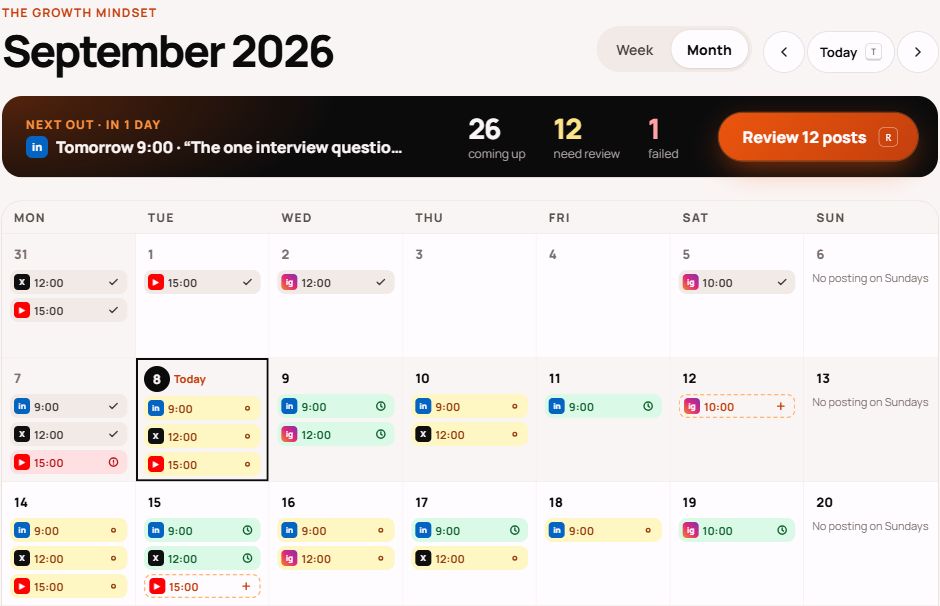
See what's going out, what needs a check and where there's room for more. Plan across channels in week or month view, with or without auto-publishing.
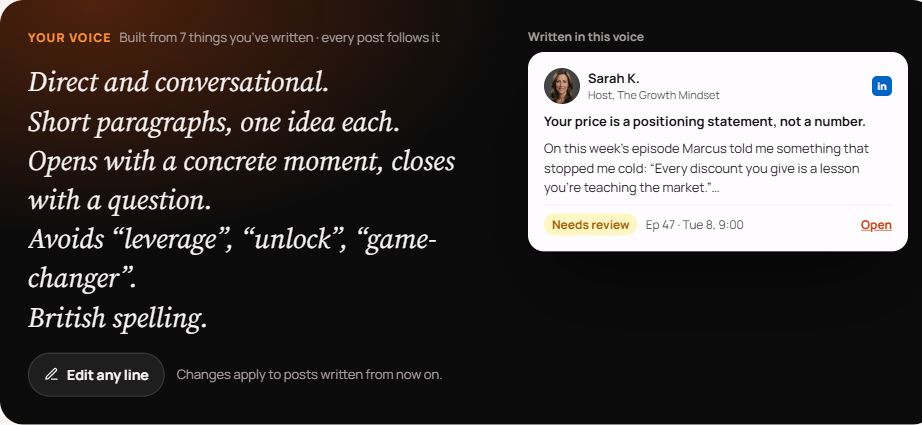
Give PodRescale examples of your writing and a few clear rules. Shape the tone, phrasing and rhythm of the posts it writes for your show.
Features, improvements and the details that make a difference. Follow what’s changing in PodRescale, all in one place.
An episode that cannot play now offers a clear retry action for both audio and video.
Read update : Retry episode playback without losing your place.Something you’d love PodRescale to do? We’re listening.